
Image To Video AI Free Freemium
Image To Video AI Free - Transform Images into Videos

a revolutionary tool that brings photos to life with realistic dance animations.
This revolutionary tool is truly a game-changer. It possesses the remarkable ability to infuse life into static photos by transforming them into captivating and realistic dance animations. Users can witness their cherished memories or favorite images come alive in a whole new and dynamic way, as if the subjects within the photos have stepped onto a virtual stage and begun to perform an enchanting dance. The tool's advanced algorithms and intuitive interface make it accessible to both novice and experienced users, allowing anyone to create these magical animated experiences with ease and precision.
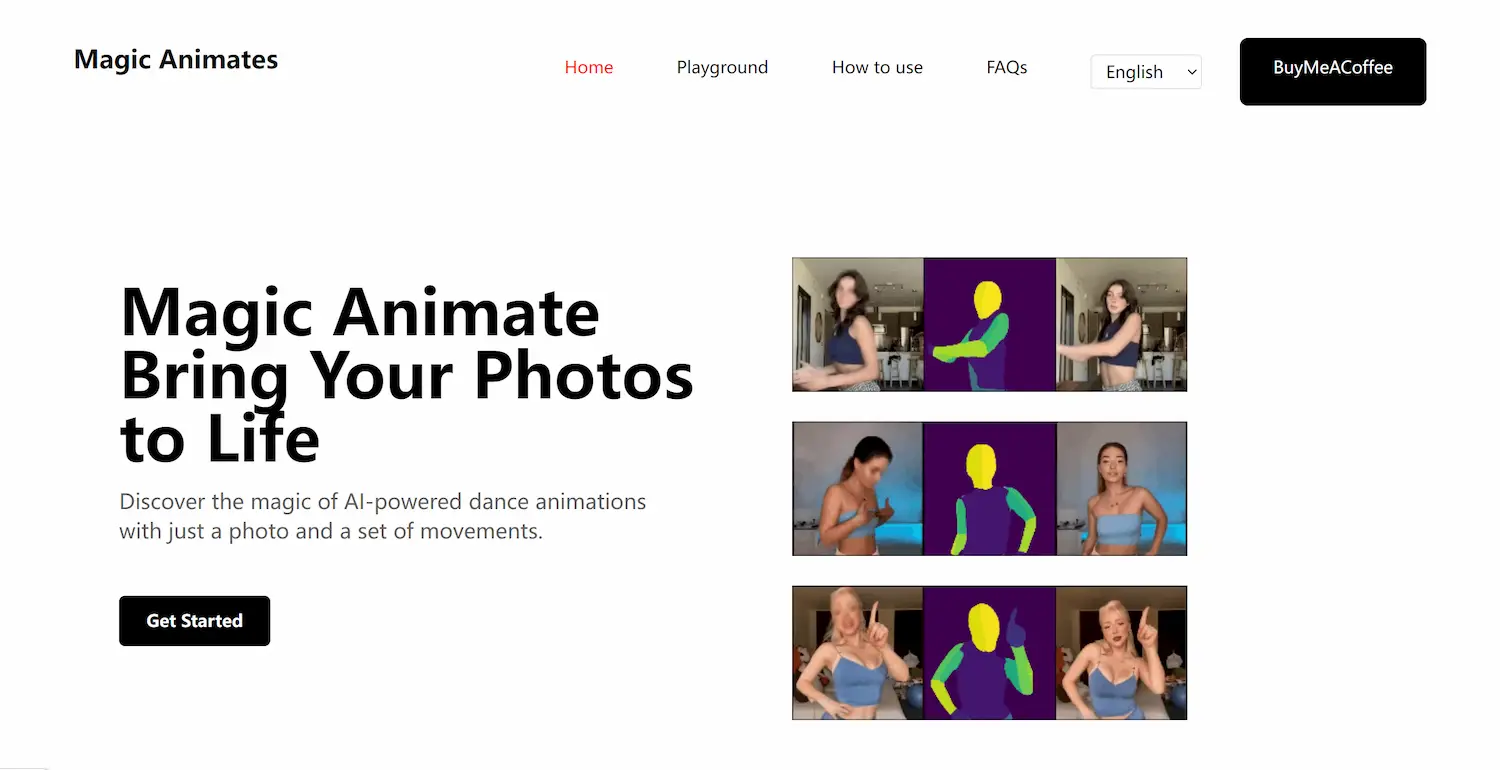
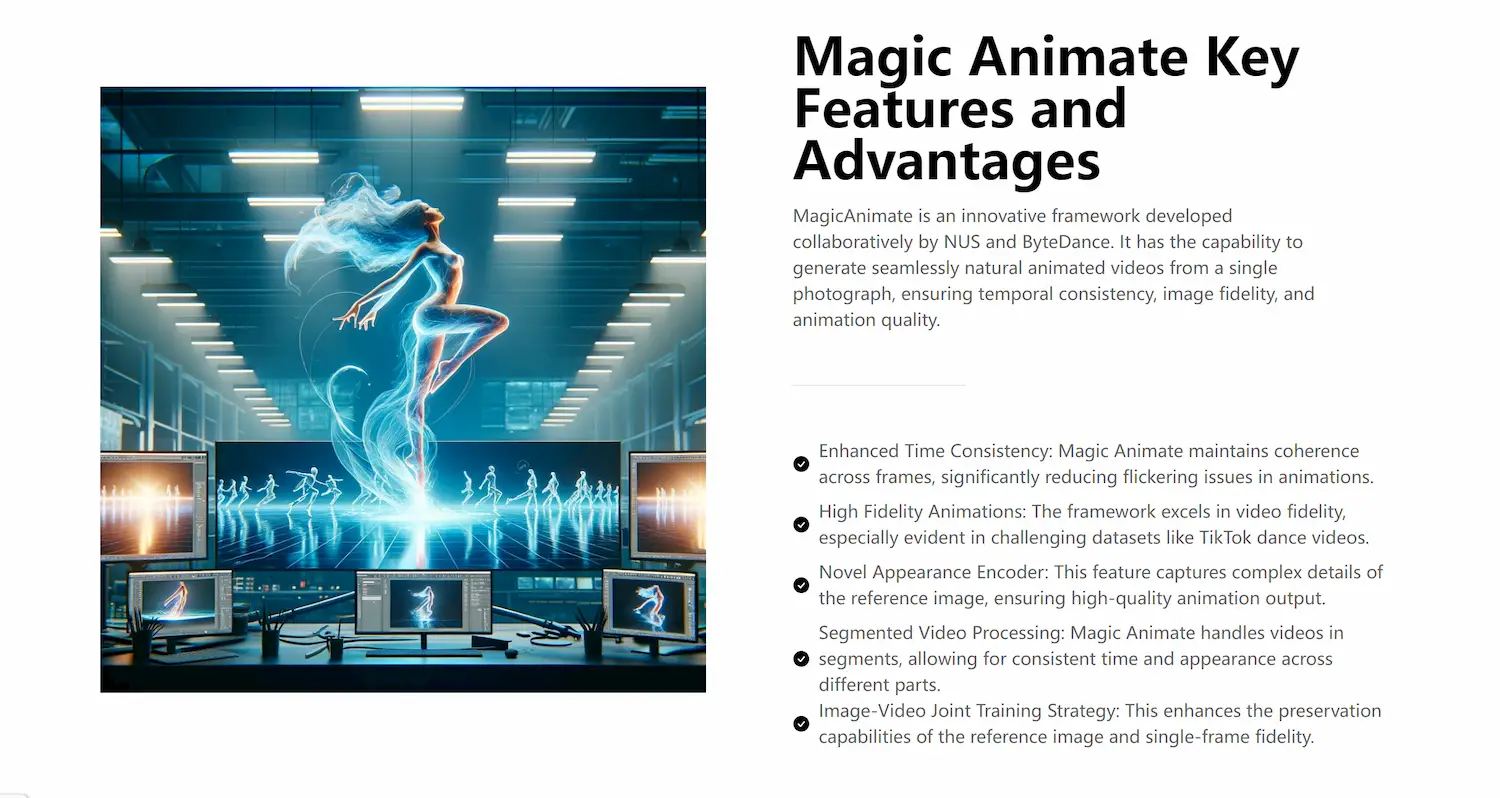
Magic Animate is an AI-powered animation tool developed by ByteDance that transforms static photos into lifelike animations.
Simply upload a photo and select a sequence of actions, and Magic Animate will automatically generate the animation.
Magic Animate supports common image formats such as JPG and PNG.
Animations can typically be saved in MP4 or GIF formats.
Magic Animate currently offers a free version, but some advanced features may require payment.
| Pricing model | Freemium |
|---|---|
| Free tier | Not verified |
| Starting price | Not verified |
| Data residency | Not verified |
| Compliance (as stated by vendor) | Not verified |
| Integrations | Not verified |
| Public API | Not verified |
| Self-hostable | Not verified |
| Official site | Online (auto-checked 2026-10-30) |
| Last verified | not yet |
Image To Video AI Free - Transform Images into Videos
Motionleap is an iPhone app from Lightricks that animates parts of a still photo, such as water, skies or hair, using motion arrows, anchor points and AI effects. It is free to download with in-app purchases.

Dreamina is a web platform for generating images, video and talking avatars, with the Seedance video models. It offers free daily credits; subscription prices could not be read on the official pricing page.

Colossyan makes training videos and courses with AI presenters, voiceovers and interactive quizzes, with SCORM export for LMSs. A free Starter plan needs no card; Professional is shown at $59 a month on yearly billing.

PixVerse is an AI video generator with image-to-video and text-to-video on web, iOS, Android and an API. Consumer plan prices and free credits were not shown on the official homepage.

Google Flow is a creative studio for video, images and custom tools built on Google's generative models, reached through a Google account. Flow credits come with Google AI plans from $4.99 a month.
Need the outcome rather than the software?