The AI agent race has changed categories. The question is no longer only which model gives the smartest answer. It is which agent can remember a long-term goal, sign in to real tools, keep working on its own computer and reliably stop when it crosses a boundary.
Four names have moved to the center of that competition in the second half of 2026: Grok Bot, ChatGPT Dot, Manus 2.0 and Meta Muse. Each is presented as more than a chat window. Each can take work, retain context, use software and continue after the user leaves.
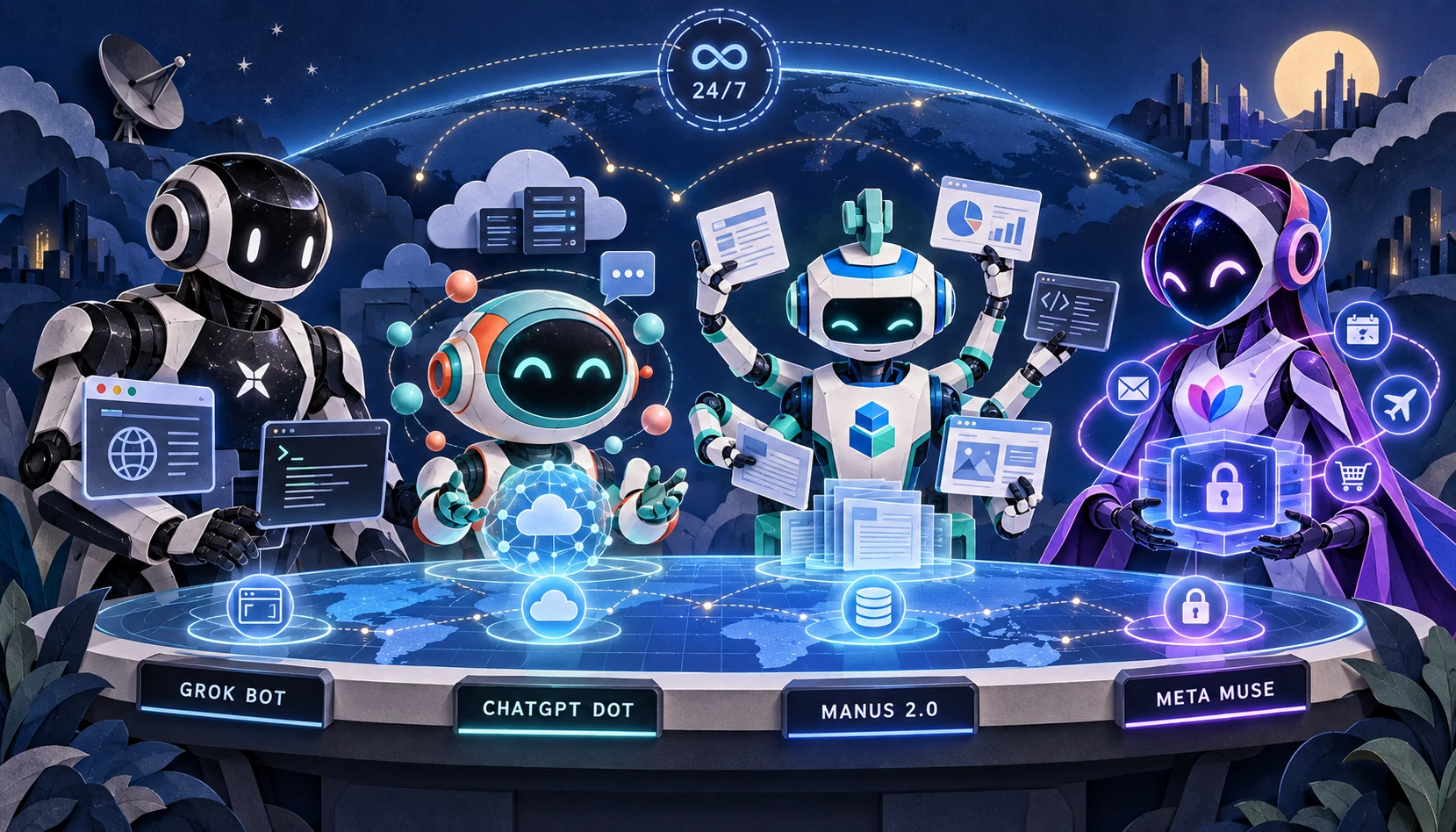
Their marketing language sounds similar, but the products are not interchangeable. They differ substantially in model context, usage allowances, concurrency, long-term memory, cloud-computer resources, platform support, geographic availability and price.
The public specifications are also uneven. One vendor discloses a model's context window but not the agent computer's RAM. Another publishes weekly usage but not model context. Manus publishes exact vCPU, memory and storage allocations, but only for a separately billed persistent cloud computer.
This comparison uses information available through October 2, 2026. We prioritized official product pages, help centers and model documentation, then used reputable reporting only where the vendor's own announcement omitted a price. When a company has not published a number, the table says not disclosed. We did not fill gaps with leaked benchmarks, inferred hardware or marketing speculation.
The short answer
| Product | Clearest position | Verifiable entry price | Strongest advantage | Biggest information gap |
|---|---|---|---|---|
| Grok Bot | A coordinated team of cloud-based AI coworkers | Cursor Pro $20/month, or SuperGrok $30/month | Multiple Bots, shared working environment, cross-platform apps and learn-by-demonstration routines | No disclosed Bot context window, VM RAM, disk size or fixed weekly quota |
| ChatGPT Dot | A persistent agent deeply connected to ChatGPT, Slack, Teams and a personal computer | Pro 100 $100/month | GPT-6 Astra, million-token model context, background agents and local-computer bridging | Regional restrictions; no public Dot VM specification or numeric deeper-work allowance |
| Manus 2.0 | A production-oriented agent for research, sites, slides, video, code and hosted services | Free; Pro from $20/month; persistent Cloud Computer from $10/month | The only vendor in this group publishing vCPU, RAM and disk tiers; broad deliverable support | The pricing help page still uses older 1.6 model labels; no public model context window |
| Meta Muse | A consumer and small-business personal AI agent | Free for most use; reported paid tier from $20/month | Personal errands, transaction approvals, WhatsApp and a wide small-business connector ecosystem | Limited geography; no public VM specification or agent context window; exact token plans absent from the launch post |
In one sentence: choose Grok Bot for coordinated Bots and repeatable cross-app routines; ChatGPT Dot for deep ChatGPT, Slack, Teams and Codex integration; Manus for producing finished assets or running persistent services on disclosed infrastructure; and Muse for email, calendar, travel, shopping and small-business operations.
What does “capacity” mean for an AI agent?
Agent comparisons often confuse four different types of capacity:
- Model context window is the number of tokens a model can consider in one inference. It is a temporary workbench, not a hard drive.
- Usage and concurrency describe how much compute a subscription includes and how many tasks can run at once.
- Long-term memory is retained information about preferences, decisions, projects and prior work. It is not necessarily a complete transcript or an authoritative database.
- Cloud-computer resources are the vCPU, RAM, storage, operating system and persistence available for files, scripts, services and databases.
As of the cutoff date, only Manus published full vCPU, RAM and storage allocations—and those numbers apply to its separately sold persistent Cloud Computer. OpenAI, xAI and Meta confirm that their agents have cloud computers or virtual machines but do not publish user-verifiable RAM and disk figures.
Price, context, memory and infrastructure at a glance
| Category | Grok Bot | ChatGPT Dot | Manus 2.0 | Meta Muse |
|---|---|---|---|---|
| Agent entry price | Cursor Pro $20/month; SuperGrok $30/month | Pro 100 $100/month | Free $0; Pro from $20/month | Free tier; reported Power tier $20/month |
| Higher individual tiers | SuperGrok Plus $100/month; see current page for Heavy | Pro 200 $200/month; Pro 500 $500/month | $40/month Pro option with more credits | Reported Maximum tier $100/month |
| Published usage allowance | Resets weekly; no fixed public number; extra use billed by token cost | Dot conversations do not count toward ordinary ChatGPT limits; numeric deeper-work allowance not published | Free: 300 daily credits; Pro: from 4,000 monthly credits; higher tier: 8,000 | TechRadar reports 500M Muse tokens/week for Power and 3B/week for Maximum |
| Published concurrency | Multiple Bots can work in parallel; one computer-use task per Bot screen at a time | Can delegate to background agents; no fixed public concurrency number | Free: 1 concurrent task; Pro: 20 | No fixed public number |
| Published automation allowance | Scheduled and event-triggered routines; no public count | Scheduled and event-triggered work; no public count | Free: 2 scheduled tasks; Pro: 20 | Ongoing goals supported; no public automation count |
| Model context | Exact Bot model and context not disclosed | Underlying GPT-6 Astra: 1,050,000 tokens, with 128,000 maximum output | Not disclosed | Muse Spark's agent context window not disclosed |
| Persistent memory | Preferences, role context and work summaries; conversations remain separate by Bot | Conversation, ChatGPT Memory and the Dot's own saved notes | Project context, files and automations; persistent computer retains installed tools and processes | Remembers user-relevant information; users can ask it to forget |
| RAM / storage | Not disclosed | Not disclosed | Optional Cloud Computer: 1/4/8 GB RAM and 35/70/120 GB storage | Not disclosed |
Two cautions matter here. First, GPT-6 Astra's 1.05 million-token context window does not mean a Dot has 1.05 million tokens of permanent memory. Second, Meta's Muse launch announcement confirms a free level and subscriptions but does not publish exact token allowances. The paid Muse numbers in this article are clearly labeled as media-verified product-page data.
1. Grok Bot: One assistant becomes a team of Bots
xAI introduced Grok Bot in August 2026. Its most distinctive feature is not a single model. It is the Bot-team design: users can create multiple named Bots with separate roles, conversations and accumulated working context, then let them message one another and hand off work.
According to the current Grok Bot documentation, every Bot uses a browser, filesystem and terminal inside Cursor's cloud. Bots maintain separate conversations and learned role context, while sharing files, browser sessions and logins on one persistent cloud computer. Each Bot has its own screen and can run one computer-use task on that screen at a time. Multiple Bots can still reason, process files and coordinate in parallel.
Grok Bot also emphasizes demonstration-based automation. A user can walk a Bot through a multi-step process, save that workflow as a skill and rerun it on a schedule. That feels less like configuring a conventional automation builder and more like training a new coworker.
What Grok Bot can do
- Research, enter data, organize records, prepare drafts and follow work across real websites and SaaS products.
- Use a browser, terminal, filesystem, connectors, MCP servers, plugins and skills.
- Coordinate multiple Bots through direct messages, group chats and explicit handoffs.
- Continue cloud tasks and routines after the user's laptop is closed.
- Hand CAPTCHA, two-factor authentication and sensitive sign-in steps back to a person.
Where Grok Bot runs
The current documentation lists macOS, Windows and Linux desktop applications, plus iPhone, iPad and Android. This is a useful example of why the newest documentation matters: the original launch announcement named a narrower desktop-and-iOS footprint, while the later product documentation adds Linux and Android.
Price and missing specifications
The official xAI pricing page lists SuperGrok at $30/month and SuperGrok Plus at $100/month. Grok Bot is also included with paid individual Cursor plans, and the Grok Bot plan page shows Cursor Pro starting at $20/month. Included usage resets weekly; additional usage may be billed according to token cost.
xAI does not publish four numbers buyers would reasonably want: the exact model used for every Bot turn, that model's context window, the shared cloud computer's RAM and its disk capacity. The general SuperGrok page listing Grok 4.6 does not prove that every Grok Bot operation is pinned to that model, so API-model specifications should not be copied into the Bot row.
What it cannot do or does not guarantee: Grok Bot cannot bypass website automation blocks, CAPTCHA or expired sessions. It hands identity checks to the user. Its shared-computer architecture also means each Bot does not receive a fully separate VM; file and login isolation is primarily per user, not per Bot.
2. ChatGPT Dot: The largest disclosed context and the deepest work integration
OpenAI introduced Dots at the end of September 2026. The official description calls a Dot an always-on agent with its own cloud computer and browser. It can maintain goals, pause and resume work, launch background agents and ask the user for judgment while work is underway.
The official ChatGPT Dots documentation says a Dot can research, analyze data, prepare documents and build software. The same Dot is reachable through ChatGPT, Slack, Microsoft Teams or a call; changing channels does not create a new agent or reset its memory. A Dot can also connect to one personal computer, but that computer must be online with the ChatGPT desktop application open.
Three layers of Dot memory
A Dot draws from the current conversation, relevant ChatGPT saved memory and its own persistent notes about preferences, decisions and ongoing work. OpenAI's tasks and memory documentation makes an important distinction: those persistent notes are not a complete transcript. A Dot is designed to remember what matters to the work, not to serve as an infallible, line-by-line archive.
Capacity: the model is public, the computer is not
Dots are powered by GPT-6 Astra. OpenAI's official GPT-6 Astra model page specifies a 1,050,000-token context window and 128,000 maximum output tokens. Among the four products in this article, it is the clearest official link between an always-on agent and a disclosed large model context.
OpenAI does not publish the Dot cloud computer's vCPU, RAM or disk size, nor a numeric deeper-work allowance for Pro 100, Pro 200 or Pro 500. Dot conversations do not count against ordinary ChatGPT usage limits, but Work or Codex tasks started or managed by a Dot consume those products' allowances as usual.
Price, availability and operating limits
OpenAI's official ChatGPT pricing documentation lists Pro options at $100, $200 and $500 per month, while the Dots access page names them Pro 100, Pro 200 and Pro 500. Individual Dot access requires users to be at least 18 and outside the European Economic Area, United Kingdom and Switzerland. Business Premium and Enterprise access is rolling out worldwide; Enterprise Dots are off by default until an administrator enables them.
A Dot must first be created in the ChatGPT desktop app or a desktop browser. It can then be used in the supported mobile app, but mobile web is not supported. Some websites block cloud browsers or require extra verification. A Dot can work in its own cloud computer while the user's devices are off, but it cannot operate a connected personal computer when that computer is offline or the ChatGPT app is closed.
Best fit: professional users and teams already working in ChatGPT, Codex, Slack or Teams who value cross-channel continuity, background delegation and a large disclosed model context enough to accept a higher entry price.
3. Manus 2.0: The most production-oriented—and the most transparent about infrastructure
Manus 2.0 launched on September 28, 2026. It is not presented as a single model refresh. It is a product system built around the Cascade agent harness, Cloud Computer, Automations, Manus Studio and the early-access personal-agent application Cue.
Manus remains focused on finished outputs. It covers documents, spreadsheets, PDFs, slides, websites, code, games and video. Its Cascade architecture calls specialized capabilities only when a project requires them. Manus says one tested Cascade configuration used 23.2% fewer tokens, completed tasks in 28.2% less time and cost 32% less to run than its previous system. Those are vendor-reported results, not an independently reproduced cross-platform benchmark.
The temporary sandbox and persistent Cloud Computer are different products
By default, a Manus agent works in a temporary sandbox suitable for analysis, scripts, documents and web applications. The environment eventually closes after the task, while delivered outputs remain in chat history. Hosting a website, API, Bot, database or scheduled process continuously requires the persistent Manus Cloud Computer.
The official resource tiers are unusually specific:
| Manus Cloud Computer | Monthly price | vCPU | RAM | Storage | Typical use |
|---|---|---|---|---|---|
| Basic | $10 | 2 | 1 GB | 35 GB | Simple Python, basic Bots and scheduled scrapers |
| Standard | $30 | 2 | 4 GB | 70 GB | Websites, APIs, WordPress and Metabase |
| Advanced | $50 | 2 | 8 GB | 120 GB | Persistent team databases and heavier services |
All three run Ubuntu Server 24.04 LTS and include a dedicated public IP. An upgrade briefly restarts the VM. More importantly, the official Cloud Computer billing guide says that when the subscription ends, the VM shuts down and its working files, installed tools and databases are deleted. Reports and files already delivered through chat remain. Persistent therefore does not mean permanent; critical data still needs a backup.
Membership pricing and concurrency
The Manus membership pricing guide describes a Free plan with 300 daily credits, one concurrent task and two scheduled tasks. Pro starts at $20/month with 4,000 monthly credits, up to 20 concurrent tasks and 20 scheduled tasks. A $40/month option starts at 8,000 credits. Team pricing starts at $20 per seat per month.
There is a version gap worth disclosing. Manus 2.0 is officially available, but parts of the pricing help page still label Agent Mode as Manus 1.6 and 1.6 Max. The price, credit and task numbers are verifiable, but the old labels do not establish an exact plan-by-plan mapping to every new 2.0 Max or Lite capability. Buyers should treat the signed-in checkout page as the final authority.
Manus 2.0 is available on web, desktop and mobile. Cue gives each personal agent an email address, phone number, wallet and computer, but remains an invite-based early-access product. At the time of the 2.0 announcement, Cue's iOS release was still awaiting App Store review.
What it cannot do or does not guarantee: the default temporary sandbox is not a permanent hosting environment. True 24/7 service hosting requires a separate Cloud Computer subscription. Manus also does not publish a 2.0 model context window, so credits cannot be converted into a reliable document-length capacity.
4. Meta Muse: The closest to a consumer “operating system for life”
Meta introduced Muse on September 8, 2026, describing it as a personal AI agent and a first step toward personal superintelligence. Powered by Muse Spark, it runs in a dedicated Muse Secure VM with its own browser and can continue handling email, travel booking, forms, shopping and longer-term goals after the user closes the app.
Muse is oriented less toward developers and more toward daily life. Users can communicate through the Muse app, the web and WhatsApp. Connector permissions can be read-only or allow sending. Passwords and payment methods are stored separately so Muse cannot see them. Sending an email, making a purchase or spending money requires approval, and the user receives an audit trail. Users can ask Muse to forget particular memories and can opt out of having interactions used to train Meta's models.
On September 29, Meta introduced Muse for Small Business, adding integrations including Asana, Box, Canva, Dropbox, Figma, QuickBooks, Klaviyo, Notion, Shopify, Slack, Stripe, Zoom and Facebook and Instagram business accounts. Meta again stated that nothing publishes, sends or spends without approval.
Pricing and Muse-token allowances
Meta's official launch post says Muse is free for most of what people need, with subscriptions for higher usage, but does not list exact limits. TechCrunch reported launch pricing of $20/month for Power and $100/month for Maximum. TechRadar later reported weekly allowances of 500 million Muse tokens for Power and 3 billion for Maximum.
Those figures have two caveats. They come from reputable reporting on the product's live pricing rather than from the Meta newsroom announcement, and Meta has not established that a “Muse token” maps one-to-one to a conventional LLM input token. A three-billion-token weekly allowance therefore does not reveal Muse Spark's context window or maximum file size.
Where Muse runs—and what is still unavailable
Muse is available in the United States and Canada through iOS, Android, the web and WhatsApp. Meta said support for AI glasses was coming, not available at the original launch.
Meta also announced a future Muse Confidential VM in which the entire virtual machine would be encrypted under a key held only by the user, preventing even Meta from accessing its contents. As of the cutoff date, that remained a later-2026 commitment, not a shipping feature. Meta has not published the Secure VM's vCPU, RAM, storage or Muse Spark's exact agent context window.
Best fit: people who want an agent for email, calendar, travel, shopping and personal administration, or North American small businesses that want Meta accounts, Shopify, Stripe, QuickBooks and workplace tools in one workflow.
What can keep running—and what cannot?
| Scenario | Grok Bot | ChatGPT Dot | Manus 2.0 | Meta Muse |
|---|---|---|---|---|
| Continue an agent task after the laptop closes | Yes | Yes | Yes; persistent services require Cloud Computer | Yes |
| Run a persistent website, API or database | No general-purpose hosting specification | No general-purpose hosting specification | Yes, with a separate Cloud Computer plan | No general-purpose hosting specification |
| Operate the user's local computer | No general local-computer control documented | Yes, while the computer is online and ChatGPT is open | Yes, with explicit Computer Use authorization | No general local-computer control documented; primarily Secure VM |
| Mobile use | iOS, iPadOS and Android | Mobile app after desktop setup; no mobile web | Web, desktop and mobile; Cue iOS was pending review | iOS, Android, WhatsApp and web |
| Native Linux desktop | Yes | No native Linux Dot-creation flow listed; desktop web is available | Desktop and web, but the 2.0 announcement does not list Linux distributions | Web-first; no promised native Linux client |
| Bypass CAPTCHA, 2FA or website blocks | No; hands the step to the user | No; websites may block automation | Should not be expected; takeover may be required | Should not be expected; sites can block agents |
| Discloses VM RAM and disk | No | No | Yes, for Cloud Computer only | No |
| Globally available | No single official region list | No; individual access excludes EEA, UK and Switzerland | No complete restriction list located for this comparison | No; currently centered on the US and Canada |
“Keeps running” has two meanings. One is that an agent can finish a cloud task while the user is away. The other is that it can host a website, database or Bot as a persistent server. All four support the first in some form; only Manus sells the second with explicit infrastructure tiers and monthly prices.
The real competitive differences are not benchmark scores
Grok Bot's moat: coordinated Bots and demonstrated workflows
Grok Bot resembles a team sharing an office and file cabinet. It is well suited to repeated work across websites, business applications and a terminal. Its trade-offs are opaque resource specifications and a shared-computer boundary that organizations must manage carefully.
ChatGPT Dot's moat: large context and established work channels
Dot combines ChatGPT memory, GPT-6 Astra, background agents, Slack, Teams, calls and a local-computer bridge under one persistent identity. Its value is not only model capability; it is the ability to reuse work context already present across ChatGPT and connected systems. Its entry price and geographic limits are materially higher than those of several rivals.
Manus's moat: from answer to asset to running service
Manus is the most willing to publish infrastructure capacity. It fits outcomes such as “build the site, prepare the deck, edit the video and keep the service running.” Buyers must account for two separate costs: agent membership and the optional persistent Cloud Computer.
Muse's moat: consumer tasks and the transaction loop
Muse places the agent inside email, calendars, travel, shopping, payments, WhatsApp and small-business operations. That creates the broadest consumer opportunity—and the most direct trust question. Meta must prove that approval, auditing, credential separation and the promised Confidential VM work reliably by default.
Are other companies building the same thing?
Yes. The four products above are prominent examples, not the entire market. Two additional products are direct peers, while two more are close enough to shape the same category.
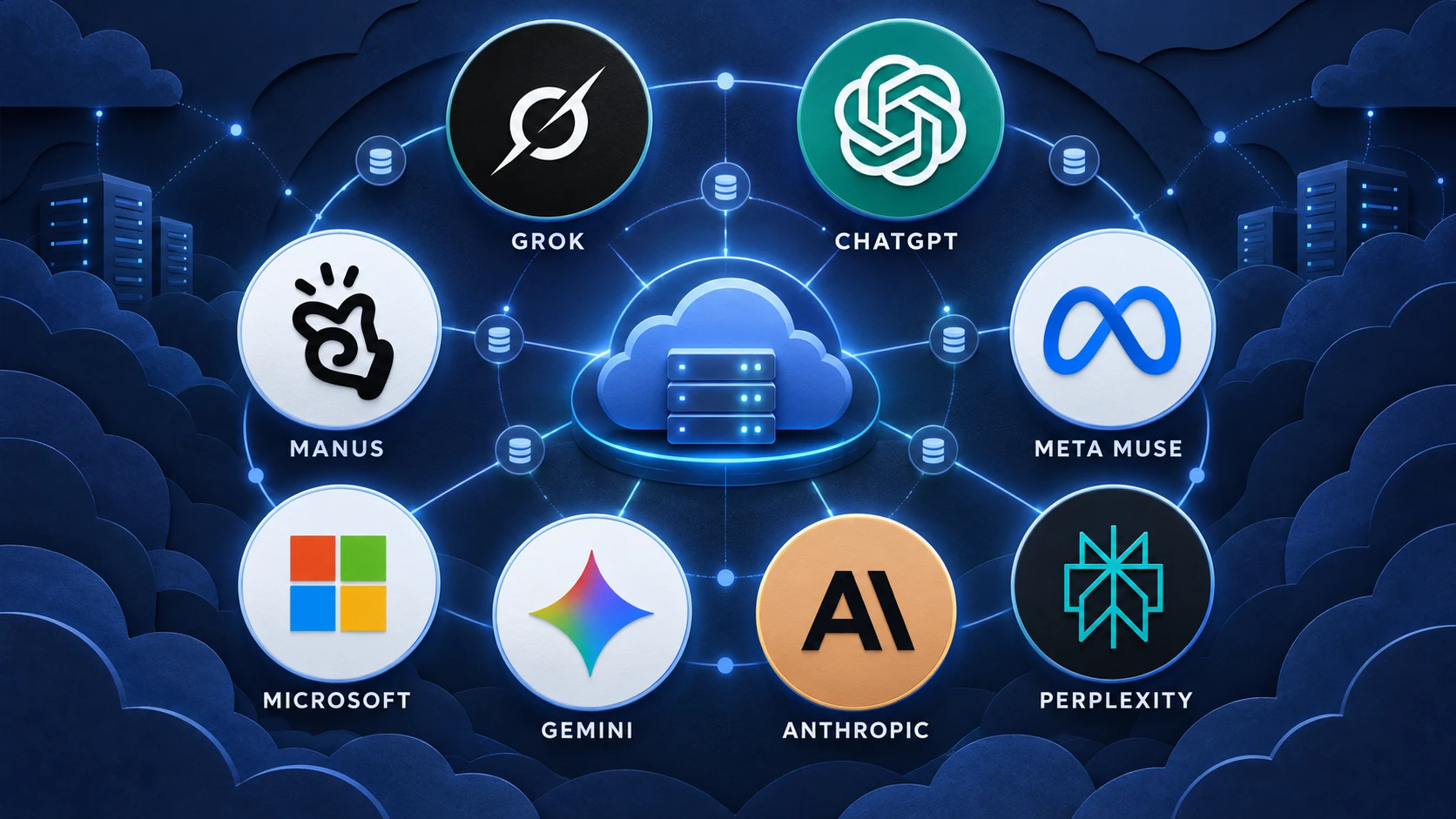
| Company and product | Why it is comparable | Current status at the cutoff | Important difference |
|---|---|---|---|
| Microsoft Autopilot (formerly Scout) | Persistent, proactive agent with its own identity, memory, computer and workspace; works through Teams, Outlook and Microsoft 365 | Announced broadly in the new Copilot on September 25; earlier Scout release available experimentally to Frontier organizations | Enterprise-tenant and Microsoft 365 orientation; no standalone consumer price or public VM size |
| Google Gemini Spark | 24/7 personal agent on dedicated Google Cloud VMs; continues with the laptop closed and integrates with Google tools | Expanded beyond its original US Ultra beta to Pro and Ultra users in markets including Australia, Japan and Indonesia | Google-ecosystem-first and regionally staged; VM RAM and disk not disclosed |
| Anthropic Claude Cowork | Long-running tasks, sub-agent coordination, scheduled cloud work, shared memory and browser/computer use | Cloud Cowork in beta; official documentation scheduled broader Pro and Max cloud defaults for October 6, just after this article's cutoff | More of a task workspace than a separately named always-on persona; local access still depends on the desktop bridge |
| Perplexity Computer / Personal Computer | Multi-model agent, persistent projects and memory, local files plus web tools, accessible remotely and capable of 24/7 work | Available on Mac and Windows, with local-first and hybrid-compute variants announced | Uses a dedicated or local personal computer architecture rather than only a vendor cloud VM |
Microsoft Autopilot: the closest enterprise counterpart
Microsoft's September 25 Copilot announcement describes Autopilot as a persistent, proactive personal agent that keeps working without a prompt. It has its own identity, memory, computer and workspace inside the customer's tenant. It can watch channels, follow up on threads, run recurring work and resume projects days later.
That makes Autopilot one of the closest architectural matches to Dots and Grok Bot, but its center of gravity is Microsoft 365 governance. It appears in Teams, Outlook, chats, channels and documents, with Entra identity, permissions, auditing and organizational policy. The earlier Microsoft Scout announcement also disclosed that the system is built on OpenClaw technology and was initially distributed as an experimental release to selected Frontier organizations.
Microsoft has not published a standalone consumer price, context window, RAM allocation or disk size for Autopilot. For now, it belongs in the direct-competitor column, but not in a clean retail price comparison.
Google Gemini Spark: a 24/7 agent on dedicated Google Cloud VMs
Gemini Spark is equally direct. Google's official material describes a personal agent that runs continuously on dedicated Google Cloud virtual machines, powered by Gemini 3.5 and the Antigravity environment. It works in the background with the user's laptop closed, starts with Google tools and expands to third-party tools through MCP.
Spark began with trusted testers and a US Google AI Ultra beta, then expanded. Google's Australian rollout announcement says Spark was launching to Google AI Pro users there and was available to Pro and Ultra subscribers in English. Japan and Indonesia received similar July expansion announcements.
Spark is therefore a direct peer to Muse and Dot, especially for Gmail, Docs, Sheets, Chrome and Android users. Google has not published the dedicated VM's RAM or disk allocation, and availability remains staged by subscription, language and market.
Claude Cowork: highly agentic, but not quite a named cloud coworker
Claude Cowork can execute long-running tasks, coordinate sub-agents, schedule recurring cloud work, use browsers and connected files, and carry memory between cloud Cowork sessions and Claude chat. It can produce documents, spreadsheets and presentations and follow work across desktop, web and mobile.
This places Cowork in the same functional market, but with a different product metaphor. Cowork is a persistent task and project environment rather than a separately named persona with its own social identity. The timing also matters: Anthropic's current help page says the wider Pro and Max switch to cloud-default Cowork tasks would occur on October 6, four days after this article's cutoff. We therefore treat Cowork as a close adjacent competitor, not as if that future transition had already completed.
Perplexity Computer: the agent becomes a physical or local computer
Perplexity takes the idea literally. Its official Everything is Computer announcement says Personal Computer can run on a dedicated Mac mini 24/7, connect local applications to Perplexity's secure servers and act as a remotely accessible digital proxy. Perplexity later expanded Computer to Windows and announced local-first and hybrid-compute variants.
This architecture has an unusual advantage: the agent can work with the user's existing local files and applications without pretending that a generic cloud VM is the same machine. It also introduces a hardware and device-management burden that cloud-only agents avoid. Perplexity Computer is clearly part of the same market, but its cost and capacity depend on hardware and deployment choices rather than one simple agent subscription.
What about Apple, Amazon and conventional Copilots?
Apple, Amazon and many enterprise software vendors are adding more agentic behavior to assistants, browsers and workflow products. That does not automatically make every one of them a direct peer.
For this article, the dividing line is a combination of persistent identity or workspace, long-running background work, memory across sessions and the ability to act through tools or a computer. A chatbot that can call one tool, a voice assistant that handles a single command or a workflow agent that only responds to a trigger may be useful, but it is not yet the same product category as a named, always-on cloud coworker.
Why monthly prices do not produce a fair value ranking
Muse and Manus can be tried free, Grok Bot starts around $20 and Dot starts at $100. Those figures do not buy the same unit of work:
- Grok Bot includes a weekly agent allowance and may bill additional use by token cost.
- Dot conversations do not count against normal ChatGPT limits, but delegated Work and Codex tasks use their corresponding allowances.
- Manus meters agent work in credits; persistent services add a separate $10–$50 monthly Cloud Computer bill.
- Muse uses proprietary Muse tokens that cannot be assumed to equal ordinary model input tokens.
- Microsoft Autopilot, Gemini Spark, Claude Cowork and Perplexity Computer may be bundled with broader subscriptions, enterprise access or hardware.
The useful measure is the total cost of completing a real workflow: subscription, overage, infrastructure, human takeover time, failed retries and data-migration cost. Vendors do not yet expose enough comparable data for a trustworthy “tasks per dollar” leaderboard.
How to choose by workload, not by logo
Choose Grok Bot if you need multiple Bots with stable roles, broad platform support, visible handoffs and workflows learned from demonstration.
Choose ChatGPT Dot if your knowledge and work already live in ChatGPT, Slack, Teams or Codex, and you need the largest disclosed model context, long-term memory and a local-computer bridge.
Choose Manus 2.0 if your priority is delivering sites, decks, documents, video or code—or buying a persistent computer with explicit resource specifications.
Choose Meta Muse if you want an agent to operate across email, calendar, travel, shopping and small-business tools, and you are in a supported North American market.
Also evaluate Microsoft Autopilot or Gemini Spark if your work is already concentrated in Microsoft 365 or Google Workspace. Consider Claude Cowork for long-running knowledge work and Perplexity Computer when local files, local applications or a dedicated machine are central to the job.
Before granting any of these systems access to customer data, payments, production services or public publishing, ask four questions:
- Which actions always require a human approval?
- Which accounts, files and payment methods can the agent reach?
- Is every external action recorded in an exportable audit trail?
- What happens to memory, files and running services if the subscription ends or the product changes?
Our view: 2026 is not the year of the universal Bot—it is the year of permission design
Grok Bot, Dot, Manus and Muse are moving AI from generating content to acting on behalf of a person. Microsoft, Google, Anthropic and Perplexity confirm that this is a platform shift, not a four-company experiment.
The resulting risk is different from an ordinary chatbot error. A chatbot can write a bad answer that the user ignores. An agent with a browser, terminal, login state, files, payment permission and continuous runtime can turn a bad judgment into a sent message, changed record, deployed service or completed transaction.
A useful shorthand is:
Risk ≈ capability × autonomy × permission × time
The decisive comparison is therefore not a promotional intelligence score or the use of “SI.” It is whether permissions are minimal, sensitive actions require approval, memory can be corrected and deleted, behavior is auditable, execution environments are isolated and the user can stop the system reliably.
No product leads every dimension today. Grok Bot has the most explicit Bot-team model. Dot combines a powerful disclosed model with the broadest ChatGPT work surface. Manus publishes the clearest infrastructure tiers. Muse targets the widest set of consumer transactions. Microsoft is strongest in governed enterprise identity, Google in Workspace-native reach, Anthropic in long-form knowledge work and Perplexity in local-machine integration.
Together, they suggest that the next major AI interface may not be a chat box. It may be a durable identity with memory, tools and standing responsibility.
Until that identity proves trustworthy, users should treat it like a very fast new employee: useful, closely scoped, occasionally wrong, unable to treat memory as truth and never entitled to irreversible authority by default.
Sources and verification notes
Sources were checked on October 2, 2026. We prioritized official product announcements, documentation and help centers. Where Meta's launch post omitted exact subscription allowances, TechCrunch and TechRadar were used as secondary verification and are explicitly labeled. Vendor performance claims are not treated as independent benchmarks.
Grok Bot / xAI
- xAI: Introducing Grok Bot
- xAI Docs: Grok Bot overview
- xAI Docs: Create and manage Bots
- xAI: Grok plans and pricing
- xAI: Grok Bot plans, FAQ and downloads
ChatGPT Dot / OpenAI
- Official OpenAI documentation: Meet dots
- Official OpenAI documentation: Dots tasks and memory
- Official OpenAI model page: GPT-6 Astra specifications
- Official OpenAI documentation: ChatGPT pricing
Manus
- Manus: Introducing Manus 2.0
- Manus Help Center: Membership pricing
- Manus Help Center: What is the Cloud Computer?
- Manus Help Center: Cloud Computer plans and billing
Meta Muse
- Meta: Introducing Muse
- Meta: Muse for Small Business
- TechCrunch: Meta debuts its Muse AI agent
- TechRadar: Muse for Small Business and paid usage tiers
Other agents in the same market
- Microsoft: Introducing Copilot Home, Code and Autopilot
- Microsoft: Introducing Scout, the first Autopilot
- Google: Gemini Spark rollout in Australia
- Anthropic: Get started with Claude Cowork
- Anthropic: Cowork across web, desktop and mobile
- Perplexity: Everything is Computer
- Perplexity: Computer product and release archive
Correction policy
These products are changing quickly. Prices, regions, limits and platform support may change after publication. When a vendor publishes a verifiable specification, update the corresponding “not disclosed” entry rather than perpetuating an older rumor or inferred value.