S
Screen Story - Mac Screen Recorder

FocuSee Screen Recording Software. Best Tools for Screen Recordings into Videos.
FocuSee is a screen recording software that offers automatic zoom-in effects, cursor movement tracking, and background enhancements. It simplifies the process of creating appealing demo videos by automatically adding these visual elements to your screen recordings. It is compatible with both Windows and Mac operating systems.
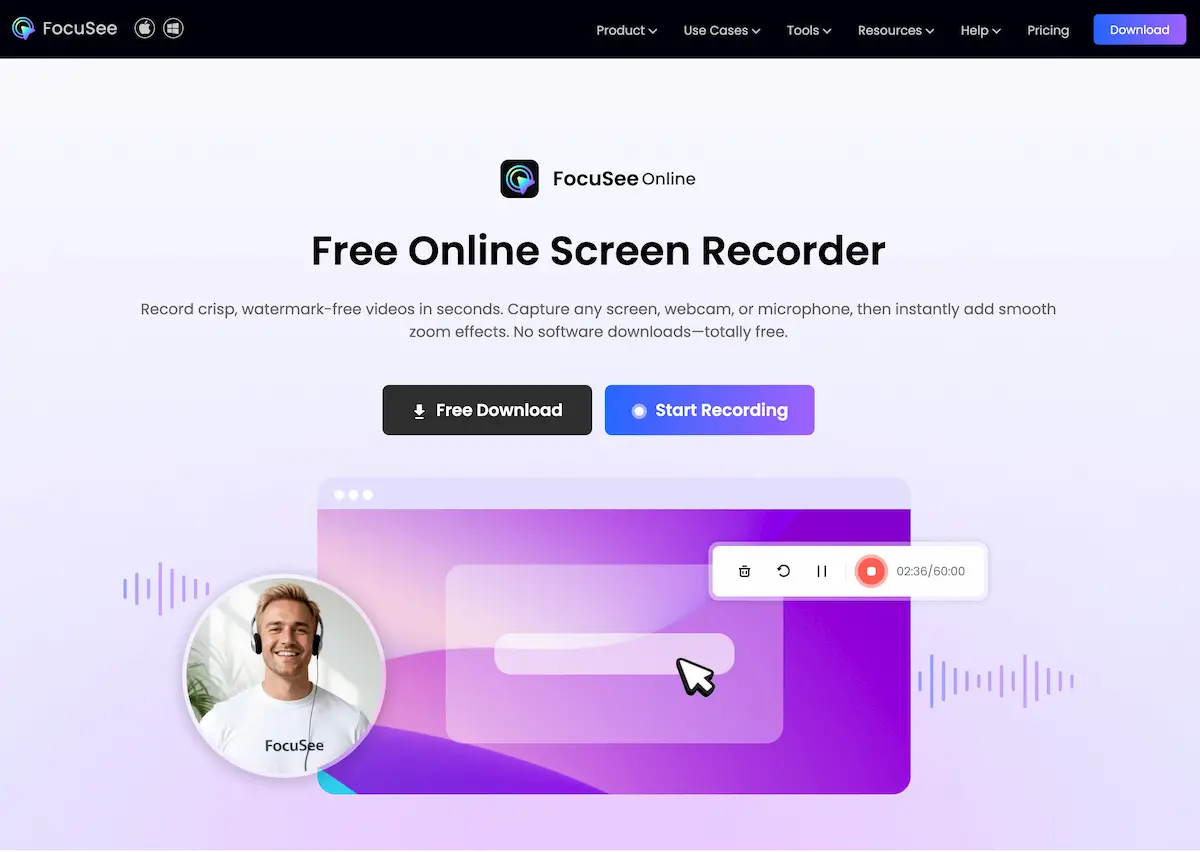
FocuSee is a screen recording software that simplifies the process of creating engaging demo videos by automatically adding zoom-in effects, cursor movement tracking, and background enhancements. It is available for both Windows and Mac, making it a versatile choice for screen recording needs.
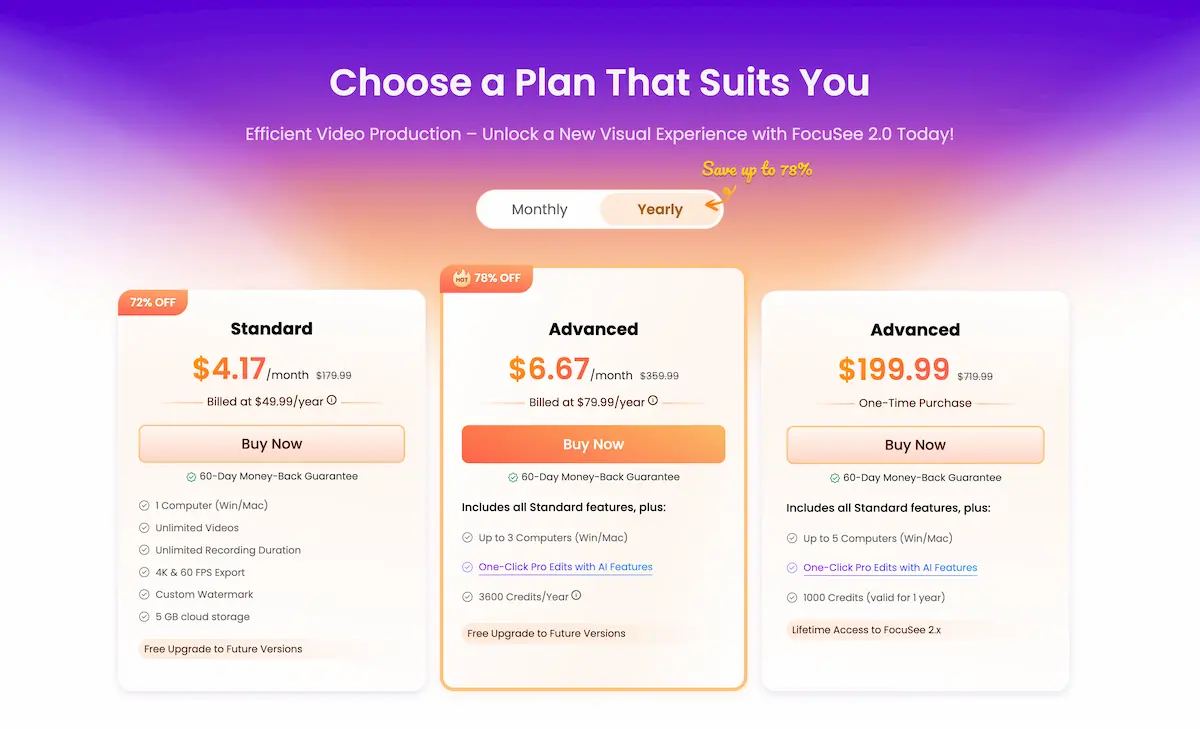
FocuSee appears to be a useful tool for individuals or businesses looking to create instructional or demonstration videos. The automatic enhancements it offers can save users time and effort in post-production, resulting in more professional-looking videos. Additionally, the option for one-time purchase plans with lifetime updates adds value to the software.

| Pricing model | Freemium |
|---|---|
| Free tier | Not verified |
| Starting price | Not verified |
| Data residency | Not verified |
| Compliance (as stated by vendor) | Not verified |
| Integrations | Not verified |
| Public API | Not verified |
| Self-hostable | Not verified |
| Official site | Online (redirects) (auto-checked 2026-09-24) |
| Last verified | not yet |
Screen Story - Mac Screen Recorder

AI-powered online video editor and screen recorder that allows you to create viral clips for social media within minutes. Try it for free.

A documentation-based review of FireCut for silence removal, captions, podcast editing, clips, chapters, zooms, and other repetitive video tasks.

Free Al video generator with hundreds of avatars, templates and voices

Generate Art

Full-featured managed workspace for Automatic1111, ComfyUI, Fooocus, and more. In your browser in under 90 seconds.
Need the outcome rather than the software?