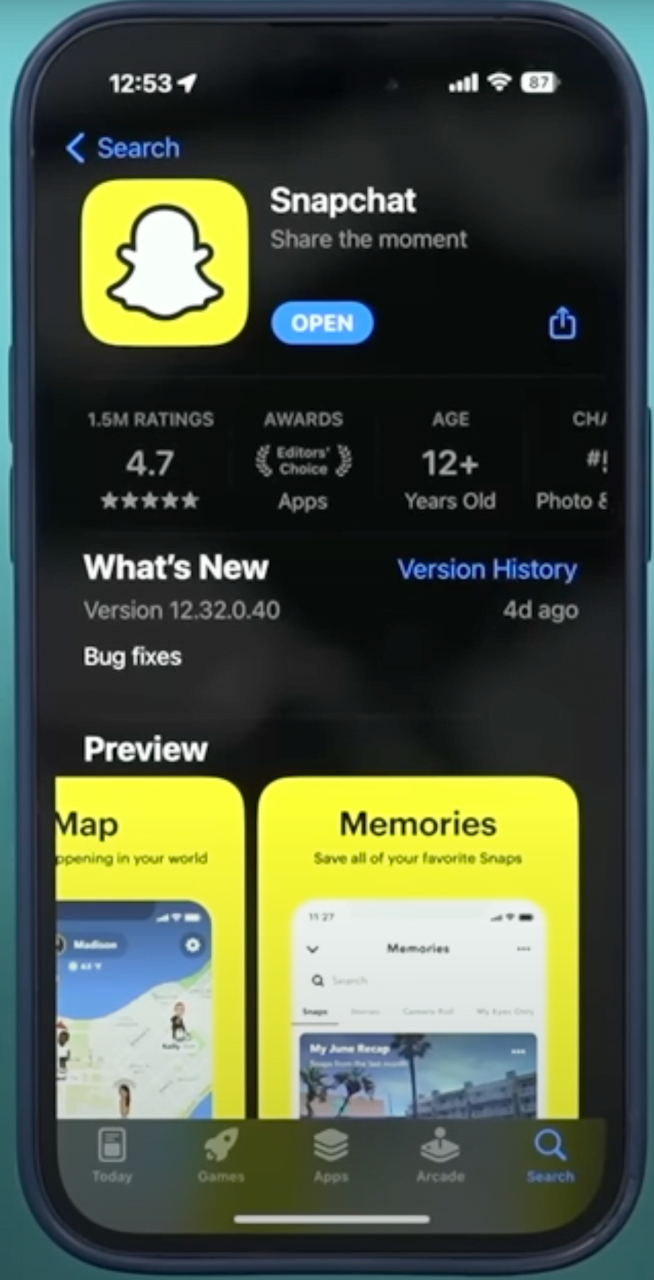
- Open and log in to the Snapchat app on your Android device or iPhone.
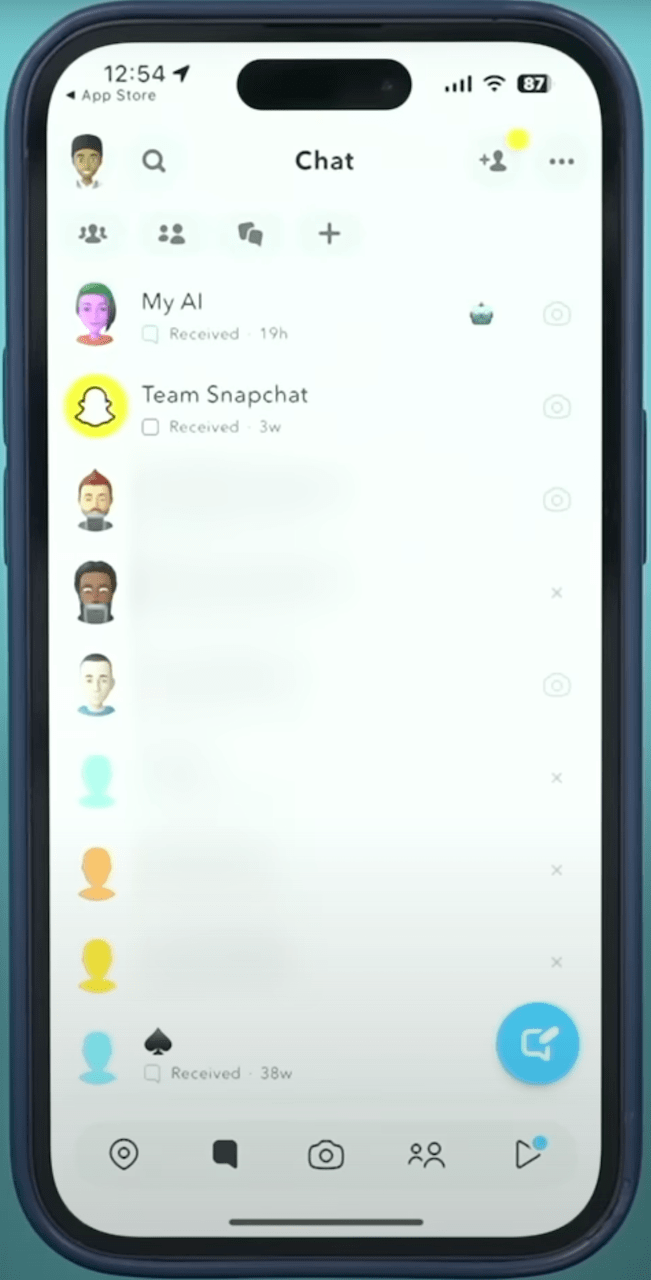
- Swipe right from the Camera screen to open the Chat screen.
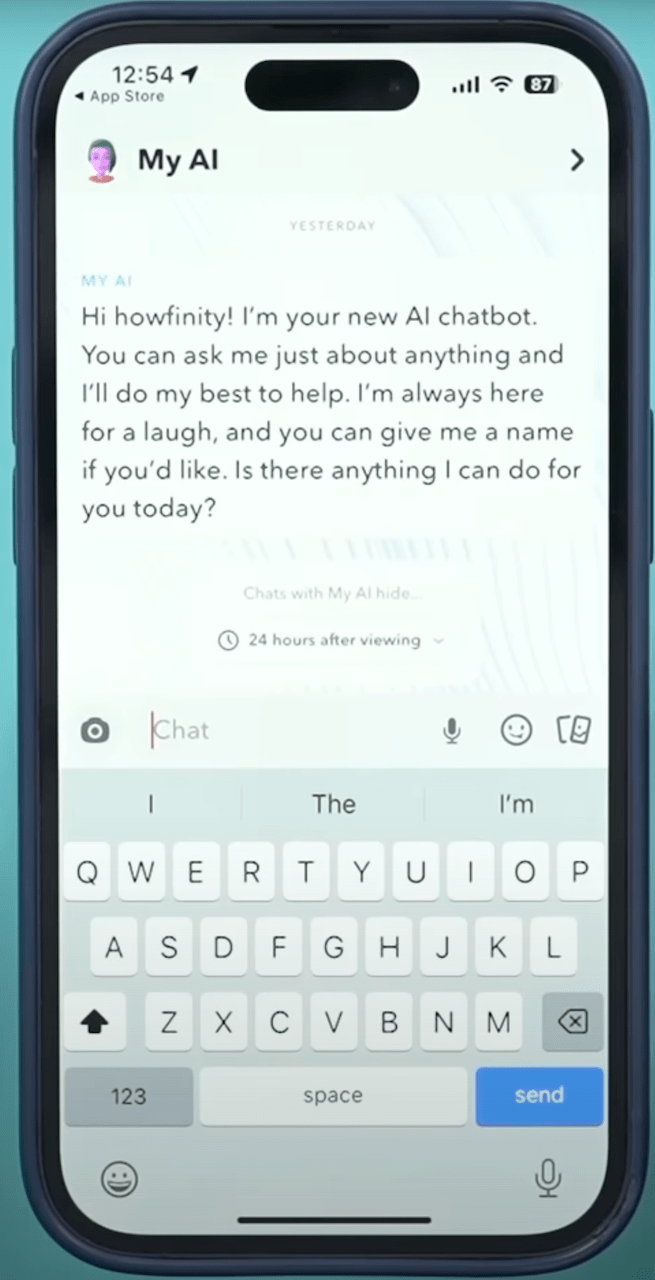
- You will find My AI on your Chat screen. Try out the chatbot by sending it a question, task, or text.
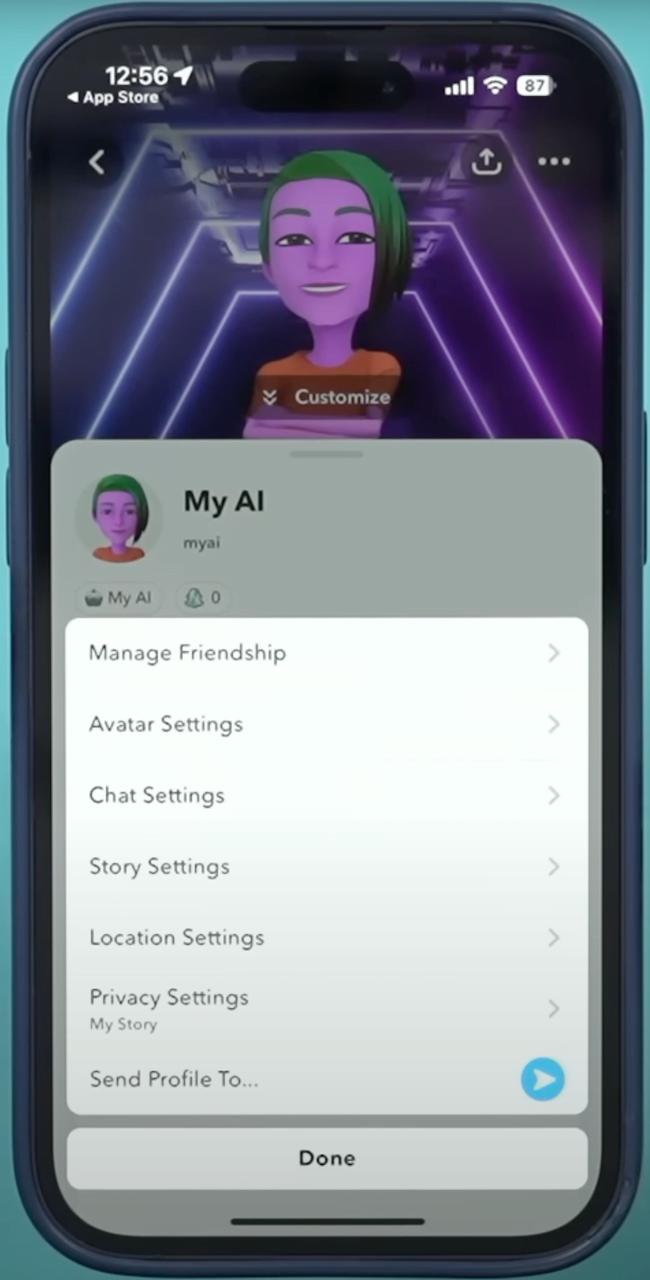 If you want to remove it. Please follow:
Step 1: Open Snapchat
Step 2: Navigate to the Chat screen by swiping left from the Camera screen
Step 3: Hold down "My AI"
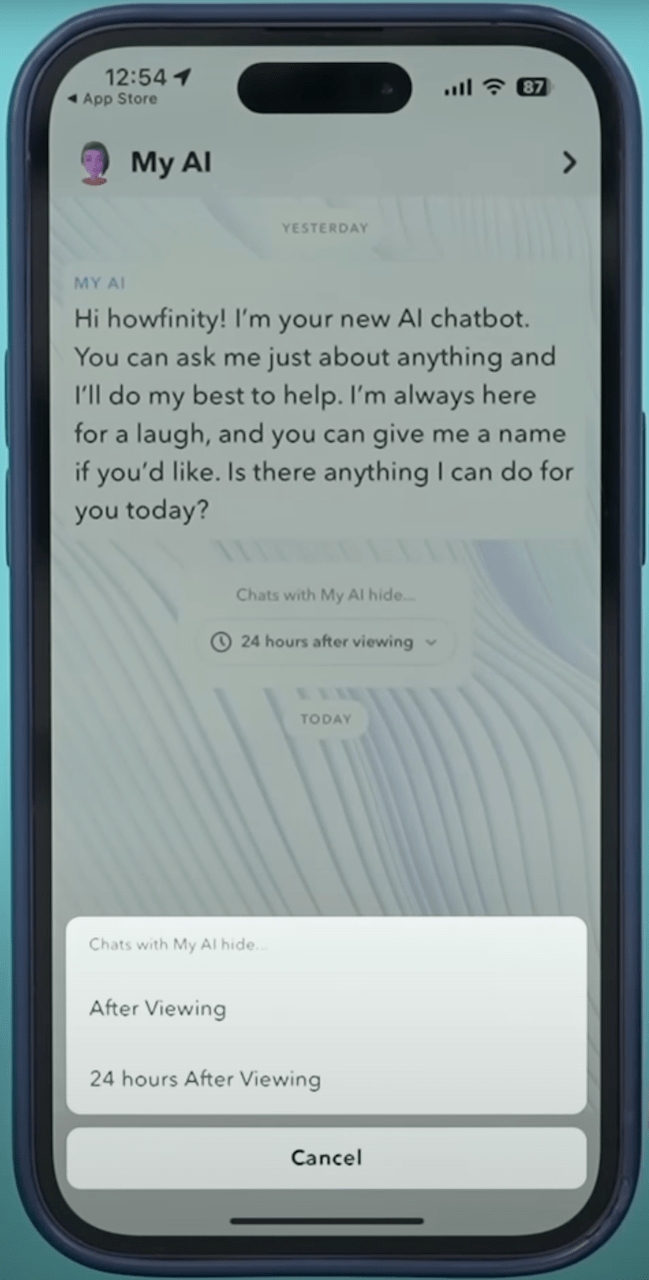
Step 4: Select "Chat Settings"
Step 5: Tap "Clear from Chat Feed"
- Open Snapchat
- Tap your Bitmoji in the upper lefthand corner
- Select the settings icon in the upper righthand corner
- Scroll down to "Privacy Controls"
- Select "Clear Data"
- Tap "Clear Conversations"
- Select the "X" next to "My AI" to remove it from your Chat Feed