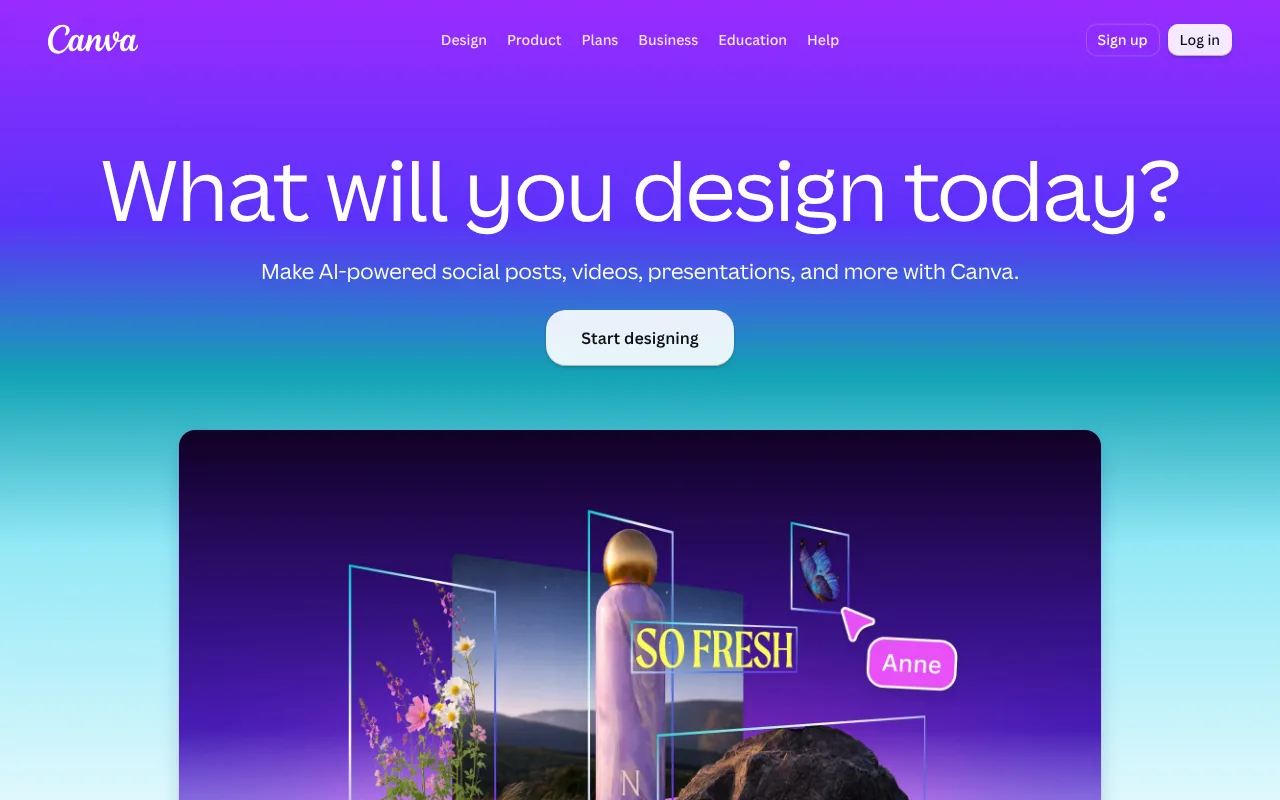
Canva is an online design tool for social posts, presentations, video and more, with built-in AI features including image-to-video. The Free plan includes up to 20 AI uses; Pro is $144 a year.
Canva is a browser-based design tool used to make social media posts, presentations, posters, logos and videos. Its homepage groups a set of AI features under the Canva AI name, including Magic Layers, Magic Eraser, Magic Write, Magic Resize and an AI assistant, and it advertises an AI video generator and a video editor. It also includes an online whiteboard with sticky notes and reactions.
Canva official website
Canva has desktop apps for Windows and macOS, mobile apps for iOS and Android, and a Chromebook version, in addition to the web editor. That makes it easy to start a design on one device and finish it on another. The company does not name a legal entity in the homepage footer, so we list none.
The pricing page lists image-to-video as a Premium AI tool. The Free plan gives up to 20 Standard or Premium AI uses, shared across all AI tools, and the page text we could read did not show check marks, so confirm in the app that image-to-video works on Free before relying on it. The Pro plan is shown as US$144 per year for one person, with about ten times the Premium AI allowance of Free, subject to fair-use limits, and an AI Pass add-on is sold separately. A monthly Pro price was not visible in the text we read, so we record no monthly starting price.
For people who need AI video or a quick mind-map style diagram, the main trade-off is that Canva spreads one AI allowance across many tools. Heavy video users should check how many uses a typical clip consumes before paying for the year.
Features of Canva
Combines a design editor, video editor and whiteboard with AI features such as Magic Write and Magic Eraser.
Lists image-to-video as a Premium AI tool on the pricing page.
Runs on web, Windows, macOS, iOS, Android and Chromebook.
Frequently asked questions
Does Canva have a free plan?
Yes. The Free plan costs nothing and includes up to 20 Standard or Premium AI uses, shared across AI tools. Check in the app whether image-to-video is available on Free.
How much is Canva Pro?
The pricing page shows US$144 per year for one person. We could not read a monthly price, so we show no monthly starting price.
Which devices does Canva support?
Canva's download page lists apps for macOS, Windows, iOS and Android, and a Chromebook version, plus the web editor.
Design and video editor with AI tools, including image-to-video, and a free plan capped at 20 shared AI uses. Pro is $144 a year; the AI allowance is shared across tools, so heavy video users should check limits.
Pricing model
Freemium
Free tier
Yes · Up to 20 Standard or Premium AI uses, shared across AI tools
Starting price
Not verified
Data residency
Not verified
Compliance (as stated by vendor)
Not verified
Integrations
Not verified
Public API
Not verified
Self-hostable
Not verified
Official site
Online (auto-checked 2026-10-13)
Can a general AI assistant replace it?
A chatbot can draft copy or outlines but not lay out designs or render video. Use Canva when you need finished visuals, not only text.
Google Photos is Google's photo storage and editing app for iPhone, Android and the web. Its Photo to video creation turns a still photo into a six-second clip; the app is free with 15 GB of storage shared across a Google Account.
Ideogram is an AI image and video platform from Ideogram, Inc. that stresses readable text in images. A Free plan exists; Plus is $20 a month, or $15 billed yearly.