Meta announced Muse on September 8, 2026 as a personal AI agent that can plan and carry out multi-step work in its own cloud computer. Unlike a conventional chatbot that mainly returns an answer, Muse can use a browser, files, email and connected services, continue tasks in the background, and ask for approval before sensitive actions.
Muse is rolling out in the United States for people aged 18 and older through iOS, Android, muse.ai, and WhatsApp. Meta says most uses are free and that paid plans provide more access. Axios reports two paid tiers at $20 and $100 per month; treat those figures as launch reporting rather than a permanent price list and check the product before subscribing.
Evidence note: this article was published September 9, 2026 from Meta's launch, security and design materials plus reporting from AP and Axios. Toolsfine has not independently tested Muse. Availability, capabilities, limits and prices can change.
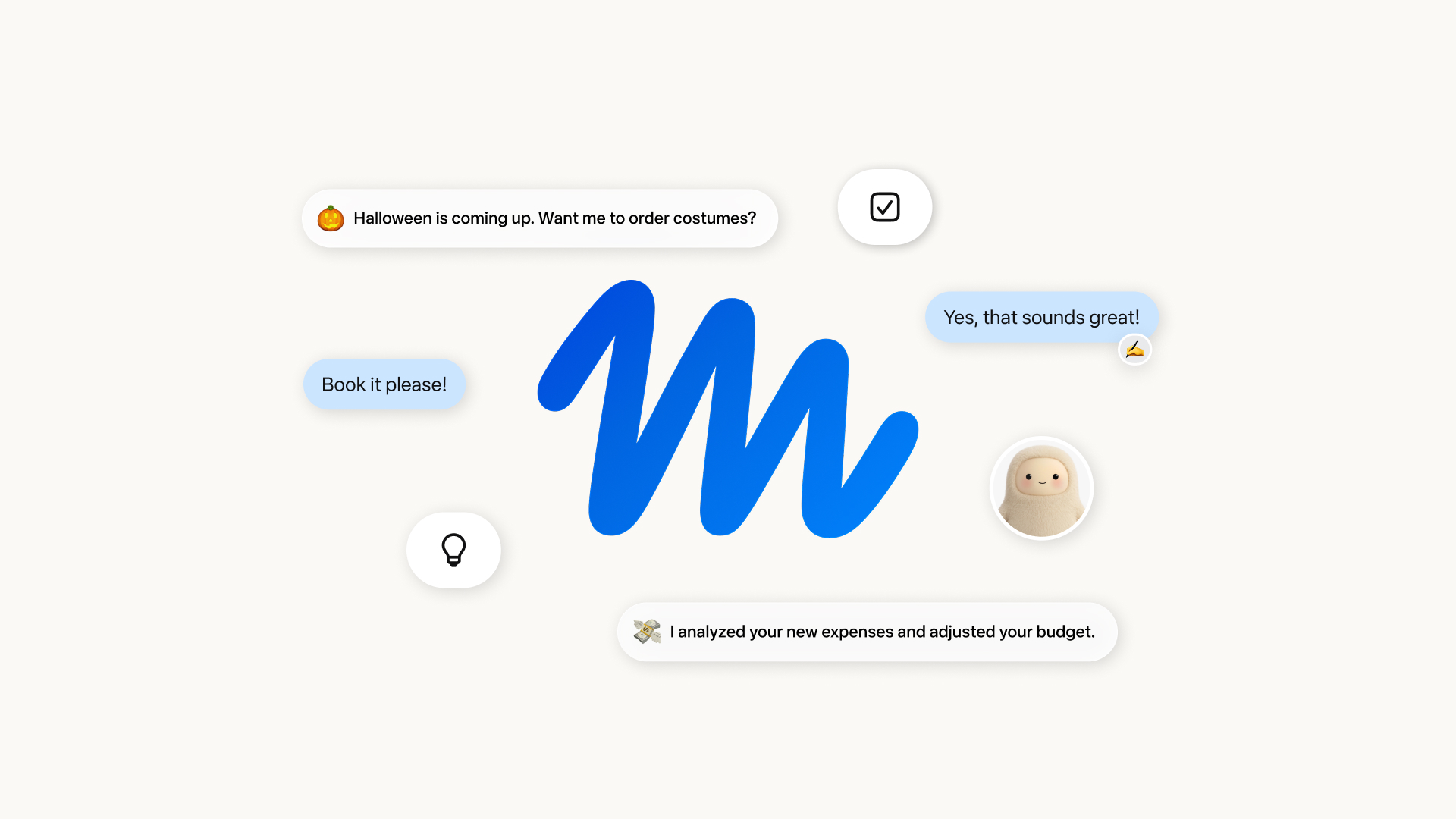
Meta Muse at a glance
| Question | Current answer |
|---|---|
| What is Muse? | A general-purpose personal AI agent that can plan, use tools and continue long-running work. |
| When was it announced? | September 8, 2026. |
| Where is it available? | Initial rollout in the United States for adults 18 and older. |
| How do you access it? | The Muse app on iOS and Android, the web at muse.ai, and WhatsApp. Meta says AI-glasses access is coming soon. |
| What model powers it? | Meta says it is powered by Muse Spark. |
| What can it control? | Its own cloud browser and computer plus services that a user explicitly connects and authorizes. |
| What does it cost? | Meta says most uses are free with subscriptions for more access. Axios reported $20 and $100 monthly tiers at launch. |
| Is it risk-free? | No. Meta explicitly says Muse can make mistakes and that prompt injection remains an open problem. |
What is Meta Muse?
Muse is designed to move from conversation to execution. A user can describe an outcome, let the agent break it into steps, and monitor the work through an activity log. Meta's examples include researching and booking travel, filling forms, creating documents and web pages, sending email, comparing options, and maintaining longer-term goals.
The design separates a main conversation from side chats and gives Muse persistent memory plus a Goals area. It can run scheduled or event-driven work and send proactive updates. That makes it closer to a delegated digital worker than a single prompt-and-response tool.
What Muse can do
- Use a browser: research sites, navigate pages, compare information and fill forms.
- Create files: produce documents, PDFs, web pages and dashboards in its own filesystem.
- Connect services: work with email and other authorized apps under user-selected read or write permissions.
- Continue in the background: handle longer projects without requiring the chat to stay open.
- Manage goals: retain context, track progress and perform scheduled or event-triggered steps.
- Pause for approval: present a structured approval request before actions such as sending an email or completing a purchase.
These are vendor-described capabilities, not a guarantee that Muse will complete every workflow accurately. Website changes, authentication challenges, regional restrictions, ambiguous instructions and third-party policies can all interrupt an agent.
Muse compared with a conventional chatbot
| Capability | Conventional chatbot | Meta Muse |
|---|---|---|
| Primary output | An answer or generated artifact | An answer plus actions performed through a computer and connected services |
| Task duration | Usually one interaction or session | Long-running, background and scheduled work |
| Memory | Conversation or account memory | Persistent memory, files and goal state that the user can review |
| External actions | Limited unless a tool is connected | Browser and connector actions governed by permissions and approvals |
| Risk | Incorrect or misleading output | Incorrect output plus the possibility of an incorrect real-world action |
The final row is the important distinction. An agent's value comes from acting, but action increases the cost of an error. Accuracy, permissions, reversibility and auditability matter as much as writing quality.
How Muse Secure VM and Sentinel work
Meta says every Muse user gets a dedicated virtual machine called Muse Secure VM. This isolated cloud computer contains the runtime, browser and user workspace. Credentials are held separately, so the agent does not directly see a user's passwords or stored card details.
A control layer called Sentinel sits between the agent and external services. It evaluates connector and network requests and can allow them, deny them or ask the user. Meta says real credentials are substituted at the network boundary while the agent works with a surrogate token.
User goal → Muse plans in an isolated runtime → Sentinel evaluates external access → the user approves a sensitive step → the service receives the authorized request.
For a purchase, Meta says the user must approve the transaction and a single-use card can be provided through Stripe Link. The activity log is intended to show what Muse has done and why. These controls reduce risk, but they do not make an autonomous workflow infallible.
Privacy: Meta's claims and the important limits
Meta says users choose which apps to connect, can grant granular read or write access, and can disconnect an app. The company also says Muse conversations and data are not shared with Meta's advertising systems. Users can opt out of having their information used to improve the model.
There are two qualifications worth understanding:
- Training is opt-out, not simply off by default. Meta's security article says agent trajectories may be sanitized for personally identifiable information and then used for model training unless the user opts out.
- The current VM is not confidential computing. Operational rules limit employee access, but Meta says the first version does not cryptographically prevent the company from accessing the VM when required to support, secure or operate the service. A Confidential VM intended to prevent that access is planned for later in 2026.
“Not used for ads” is therefore narrower than “never accessed” or “never used for training.” Review the live privacy and training settings before providing private files, account access or a detailed personal history.
Security risks that remain
Meta acknowledges that AI agents can make mistakes and that prompt injection is still an open security problem. A malicious or compromised web page can include hidden instructions intended to redirect an agent, expose data or trigger an unwanted action. Meta has opened Muse-related bug-bounty categories and says eligible reports can receive up to $300,000.
- Prompt injection: content encountered on the web may try to override the user's goal.
- Excessive access: broad write permissions make a mistaken action more consequential.
- Approval fatigue: repeated prompts can encourage users to approve without inspecting the exact action.
- Memory accumulation: useful long-term context can also become a large store of sensitive information.
- Silent failure: a completed status does not prove that a booking, message or form is correct.
- Third-party exposure: connected services retain their own policies, logs, vulnerabilities and account-recovery risks.
How to try Muse more safely
- Start with a reversible, low-risk task such as organizing public research or drafting a document.
- Grant read-only access first. Add write permission only when a workflow truly needs it.
- Use a separate low-privilege account when possible instead of connecting an administrator or primary identity.
- Do not upload passwords, recovery codes, identity documents, confidential client data or sensitive health, legal and financial records.
- Read every approval card closely. Verify recipient, amount, dates, cancellation terms and the final payload before confirming.
- Inspect the activity log, created files, memory and external account history after a task.
- Choose the model-training setting that matches your privacy needs and periodically remove unneeded memory.
- Disconnect services and revoke permissions when a project ends.
Watch the official Muse videos
Meta published this launch video alongside the announcement:
Meta's product-design team also published a walkthrough of the interface, goals, memory, activity and approval patterns:
Who should try Muse now?
Muse is most relevant to adults in the United States who have repeatable, reversible information work and are willing to supervise a new agent. Research synthesis, document creation, public-web monitoring and itinerary drafting are sensible early tests.
Wait, or use a tightly constrained pilot, when the workflow involves regulated records, confidential source code, employment or credit decisions, legal filings, medical decisions, large financial commitments, administrator access or actions that are difficult to reverse. Organizations should add policy, identity, logging, data-retention and incident-response review before connecting production systems.
Frequently asked questions
Is Meta Muse available now?
Meta says Muse is rolling out in the United States to users aged 18 and older on iOS, Android and the web at muse.ai. It is also accessible through WhatsApp. Availability can vary during rollout.
Is Meta Muse free?
Meta says most uses are free and subscriptions provide more usage. Axios reported $20 and $100 monthly plans at launch. Check the live Muse product for current limits and prices.
Does Muse work in WhatsApp?
Yes, Meta lists WhatsApp as an access point. The standalone Muse app and web interface expose the broader workspace design, including files, goals and activity.
Can Meta access a Muse virtual machine?
The launch version limits access through operational controls but does not cryptographically prevent Meta access when needed to support, secure or operate the system. Meta says a Confidential VM is planned later in 2026.
Can Muse make a purchase automatically?
Meta says a purchase requires user approval. Its design can use a single-use card through Stripe Link so the agent does not receive the stored card details. Users should still verify the item, seller, total and terms before approval.
Is Muse the same as Muse Spark?
No. Muse is the personal-agent product; Muse Spark is the model Meta says powers it. The names may also resemble unrelated products, so use “Meta Muse personal AI agent” when searching.
Bottom line
Meta Muse is a significant step from conversational AI toward a persistent consumer agent with its own computer, memory, browser and service connections. Its Secure VM, Sentinel policy layer, separate credential store and human approvals are meaningful design choices. They do not eliminate incorrect actions, prompt injection, broad-permission risk or the privacy implications of persistent memory and opt-out training.
The practical verdict is to test Muse as a supervised assistant, not an unsupervised authority: begin with reversible work, minimize access, verify every consequential output and expand its role only after it behaves reliably in your own workflow.